 +
+  +
+  +
+  =
=  +
+
+
=
mathHandbook.com - former SymbMath, online Computer Algebra System
+
+
+
=
mathHandbook.com - former SymbMath, online Computer Algebra System
DrHuang Pty Ltd
226 Anzac pde, kensington, Sydney, NSW 2032, Australia
Phone: +61 413008019
DrHuang@DrHuang.com
www.DrHuang.com
www.mathHandbook.com
|
Document |
Questions? |
Contact
A first letter of keywords is upper-case, case-sensitive,
e.g. Sin is differernt from sin. Its default variable is small letter x. |
For more functions, click on the "Input" menu to input D(x)
into the Input panel, then click the "=" button to get the result.
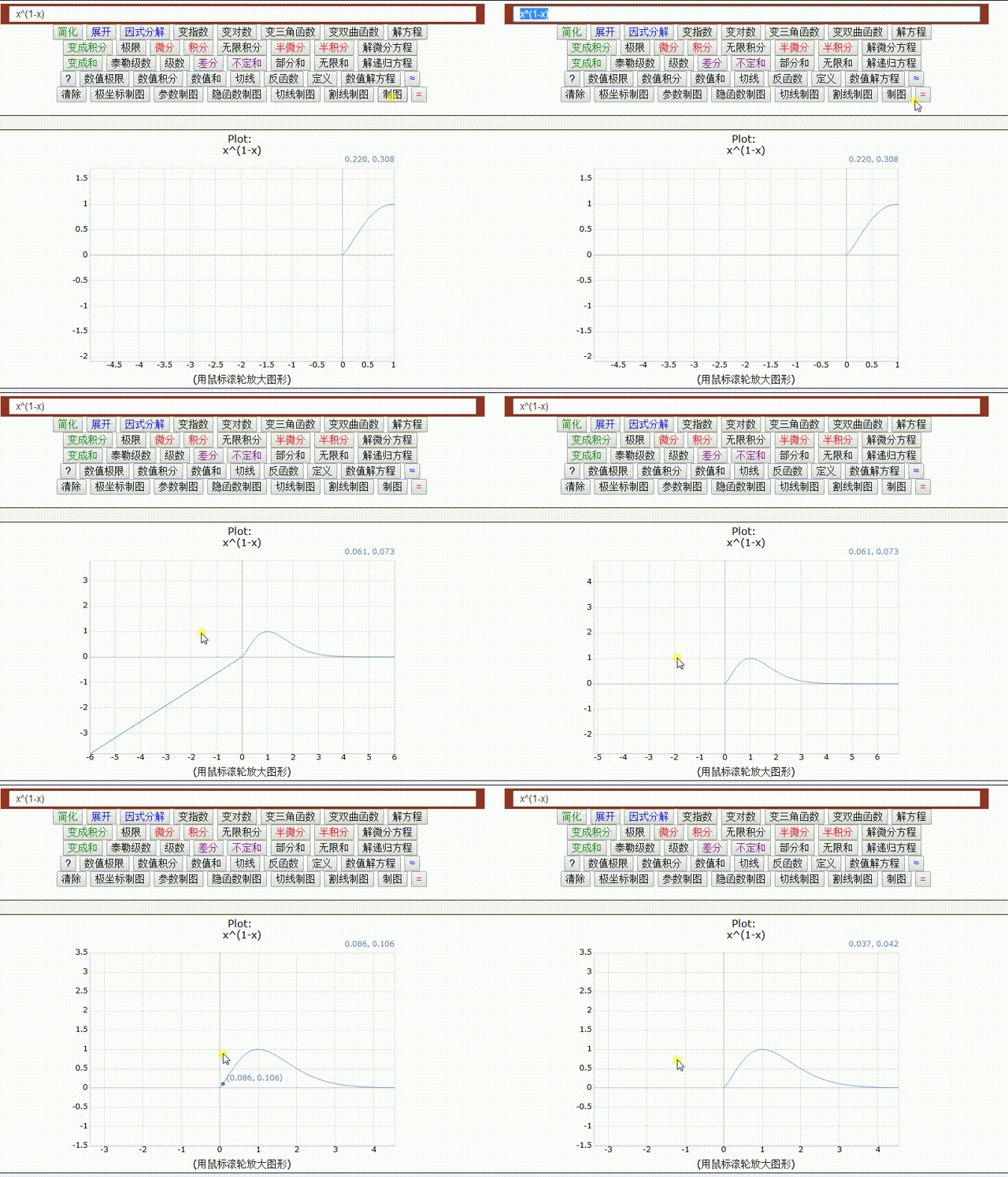
For plotting a function, type Plot(x^2) into the Input panel,
click on the "=" button. Or just type x^2 into the input panel, click on the Plot button.
click on the "Zoom In" or "Zoom Out" menu under the Graph menu to zoom.
Find coordinates by clicking on graph, get the initial value to
the "x=" field by double-clicking, or zoom by drag, on graphics.
If symbolic integration fails, you should add your integration
rules into the library file Int.txt in the vmath/library/ directory.
You can develop your library, and save library files into the
vmath/library/ directory. The library source codes are text and auto loaded
when need. Please read document visualmath.doc or
visualmath.doc.htm.
It runs in any computer, PDA, and mobile phone that supports Java™ technology.
If you see it online, it can run offline in your computer, PDA, and mobile phone.
It is all of Java applet, Java application and Window
application. Run VisualMath.html as Java applet, run VisualMath.bat as
Java application, or run VisualMath.exe as Window application.
For security reason, the Copy, Paste, Open and Save, and Print menu work only
when it runs as local application. Please read SymbMath manual SymbMath.doc.
Solve two equations: y=x^2 and y=x+1 :
Plot(y=x^2), Plot(y=x+1)
OR:
Plot(x^2), Plot(x+1)
click on the cross of two lines to get solutions.
You can copy-and-paste from and to your document
by right-button clicking on the text field to pop-up menu. For second
way of copy-and-paste, first select the text, then key in Ctrl+C (i.e.
press the Ctrl key and the C key at the same time), then point to where
you want to paste, and finally key in Ctrl+V (i.e. press the Ctrl key
and the V key at the same time).
It is assumed that you agree the Shareware license that you
should register by US$19 with author after 20 days or you should
delete it.